
How to Add a Blog to Your Business Website (Without Rebuilding It)
A practical guide for UK business owners: what a proper blog setup includes, what it costs, how long it takes — and why your website doesn't need rebuilding.
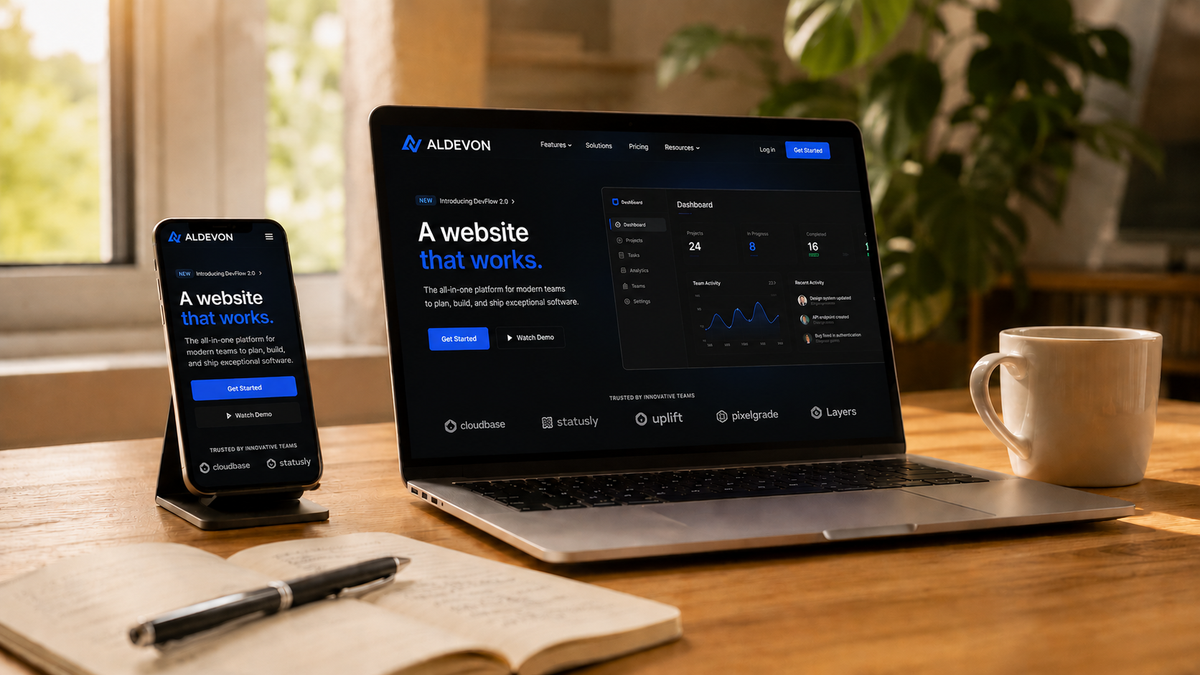
Most business websites in the UK have the same quiet problem: they exist, but they don't get found.
A typical five-page site — home, services, about, contact — gives Google exactly five chances to show your business to a potential customer. Those five pages compete with hundreds of nearly identical ones. This is usually where small business websites stop, and why the enquiry form stays empty.
Adding a blog to your business website changes the arithmetic. Every article is a new page answering a question your customers actually type into Google. Twenty articles means twenty doors into your business — open permanently, costing nothing per click.
This guide covers what a proper business blog setup involves, what it costs in the UK, how long it takes, and the technology choices behind it — based on how we build blogs for our clients (and how we built our own).
Why a Blog Is the Highest-Leverage Addition to a Business Website
Social media content has a lifespan measured in hours. A post spikes, then disappears from feeds within a day or two. An article on your own domain works differently: it ranks in Google search and keeps bringing visitors for years after publication.
There's a second difference that matters more in the long run: ownership. An audience built on a social platform belongs to the platform. The algorithm decides who sees your content, and the rules can change overnight. Subscribers to your own blog — readers who hand over their email address on your domain — are a list you own outright and can take anywhere.
For a business, a blog typically does four jobs at once:
- Search visibility — articles answering "how much does X cost" or "how to choose Y" capture customers at the moment they're deciding
- Trust — case studies and useful guides do the persuading before the first conversation
- An owned audience — email subscribers you can reach without paying for ads
- Revenue, optionally — paid posts and member subscriptions for businesses that sell expertise
What a Proper Blog Setup Includes
"Adding a blog" can mean anything from a neglected WordPress page to a full publishing system. The setup we install for clients includes:
Your own design, not a template
The blog should look like a natural part of your website — same typography, same colours, same feel. A blog that visibly runs on a generic theme undermines the trust it's supposed to build.
Reader subscriptions and a built-in newsletter
Visitors subscribe directly on your site. New articles can be sent to readers automatically by email — no separate Mailchimp account, no copying content between tools, no monthly fee for a third-party email service. The subscriber list lives in your system and belongs to you.
Editorial roles for a team
Owners, editors, authors, and contributors each get appropriate access. A guest writer can draft; only an editor can publish. This matters the moment more than one person touches the content.
Monetisation, when you're ready
Paid posts and tiered member subscriptions are built in, with payments handled through Stripe on your own domain. For consultants, therapists, coaches, and creators, this replaces Patreon or Substack — without the platform commission and without handing your audience to someone else's database.
SEO configured from day one
Metadata, social sharing cards, sitemaps, clean URLs, and fast loading are set up as part of the build — the technical foundations that search rankings depend on, done once and done properly.
The Technology: Why We Use Ghost with a Next.js Frontend
There are many ways to add a blog to a website. After building and maintaining sites across platforms, the combination we recommend — and use ourselves — is Ghost as the publishing engine with a Next.js frontend.
Ghost is a professional publishing platform built for exactly this job: writing, newsletters, member subscriptions, and paid content are native features, not bolted-on plugins. It's the system behind many of the largest independent publications, and it gives non-technical team members a genuinely pleasant editor to work in.
Next.js handles the part your visitors see. It renders pages fast, scores well in Google's Core Web Vitals, and — crucially — lets us match your existing website design exactly, rather than forcing your brand into a theme.
The combination means your team gets an editor they'll actually use, your readers get a fast site in your design, and Google gets the technical signals it rewards.
How Long Does It Take to Add a Blog?
For most projects, around two weeks from decision to launch. That covers design adaptation, Ghost configuration, newsletter and subscription setup, SEO foundations, and connecting the blog to your existing website — whether as part of the same domain or a subdomain.
Your existing website does not need to be rebuilt. The blog connects to what you already have.
We launched our own blog this way — the same two-week process we use for clients. The case studies you're reading on this site are published through it.
What Does a Business Blog Setup Cost in the UK?
Pricing transparency is something we insist on, so here are real numbers.
For our existing clients — businesses whose websites we built or maintain — blog setup starts from £550, since we already know the codebase and design system.
For new clients, the price depends on your current website's platform and design complexity, so we quote individually after a short review. The review is free and doesn't oblige you to anything.
Until the end of August 2026, a 15% summer discount applies to blog setup and launch.
Who Actually Benefits from a Business Blog
Honestly — not everyone. A blog pays off for businesses whose customers research before buying:
- Therapists, consultants, and coaches — clients search for answers long before they search for a practitioner
- Makers, jewellers, and artists — the stories behind the work rank in search and sell better than catalogues
- Clubs and membership organisations — event write-ups and member stories keep people engaged between gatherings (we wrote about this in our UBWIS Club case study)
- Online shops — "how to choose" guides capture buyers at the moment of decision
If your customers buy on impulse or purely on price, your money is better spent elsewhere — and we'll tell you so.
Frequently Asked Questions
Can I add a blog to my existing website without rebuilding it?
Yes. The blog connects to your current site — matching its design — without touching the rest of it. This is the most common scenario we work with.
Do I need technical skills to run the blog afterwards?
No. Ghost's editor is comparable to writing in a modern document app. Publishing an article, sending it to subscribers, and seeing your statistics all happen in one place.
Is Ghost better than WordPress for a business blog?
For publishing specifically — articles, newsletters, subscriptions, paid content — Ghost does natively what WordPress needs half a dozen plugins to approximate, with the maintenance burden those plugins bring. For complex non-publishing functionality, WordPress still has its place. For a business blog, Ghost is the cleaner tool.
How quickly will the blog bring traffic from Google?
Honest answer: the first articles typically start ranking within two to four months, and traffic compounds from there. A blog is an asset that appreciates — not a switch that flips. Anyone promising first-page rankings in a fortnight is selling something else.
Thinking about adding a blog to your website?
Send us a message with a link to your current site. We'll review it and come back with a clear picture of what the setup would involve and cost — free, and without obligation.